
The new DPR for students is here!


We’ve rebuilt DPR from the ground up for students, and we’re so happy to finally get it into your hands. It’s sleeker, it’s faster, and it’s packed with new features, from a homework agenda to a redesigned report.
So much of this came straight from your feedback and from how you use DPR, so a big thank you to everyone who told us what they thought. Here’s a tour of what’s new.
Prefer to watch? Our quick-start video walks you through the new DPR in under six minutes.
Looks great on any screen
Big monitor, laptop, tablet or phone, every page fits your screen. As the screen gets smaller, the layout rearranges itself so everything is still easy to find.

Faster pages
Pages open the moment you click.

A quick overview of every class
Open any class from your dashboard and two new bars at the top show how you’re doing: how your key objectives in that class have been judged, and how your homework has been graded.

Revamped analytics
See exactly how your year is going. Click View Analytics on your dashboard and you’ll find:
a points total that goes up every time a judgement on one of your key objectives moves up a level (and down if one drops)
a card for every subject, with your biggest jumps at the top
every key objective in a subject, showing where it started and where it is now
a quick walkthrough of how points work, under What do these points mean?
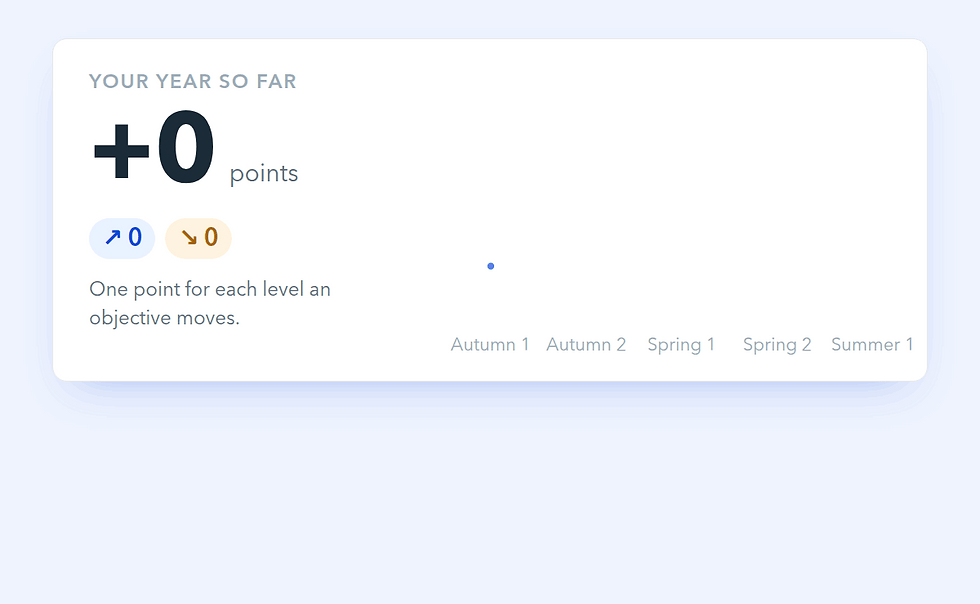
Want the full story? The activity tracker shows every change to your key objectives, day by day. Click Show all changes to go all the way back to the start of the year.

Your new homework agenda
Stay on top of everything that’s due. Your agenda lists your homework day by day, starting from today. Scroll down to see what’s coming up, or click Show earlier assignments to look back.
Click the calendar icon at the top of any page and it slides in beside what you’re doing, so you never lose your place. On a smaller screen, you’ll find it on your Assignments page instead.

A sleeker collaboration portal
Every key objective has its own space for you and your teacher, and it’s had a complete makeover. Click the speech bubble next to any objective to see it all in one place:
your judgement for that objective in each collection
your conversation with your teacher
the homework set on that objective
the resources linked to it
Think you’ve moved up a level? Show your teacher your evidence, right there.

Intervention groups, front and centre
Intervention groups used to live on a separate page, which made them easy to miss. Now, if you’re in one, you’ll find it on your dashboard next to your classes, with its own progress page and, for the first time, its own class chat.
It’s part of a bigger push to give intervention groups much better support in DPR, so there’s more to come.

Meet your new report
Your report has a much slicker design, in the same style as the new progress tables in DPR, and it’s faster to download too. At our biggest schools, the slowest part of making a report used to take up to 12 seconds. Now it takes a fraction of a second.

It also has two new pages:
How to read this report explains key objectives, collections and grades in plain words, along with your school’s judgement key.
At a glance brings every subject together, with your grades and how your key objectives were judged in the latest collection.
Download yours from your dashboard with Download Report. If your parents or carers use DPR for Parents, they’ll see the same report there.

Resources, with a sneak peek
Resources has a fresh new look. Hover over any resource to peek inside before you open it: who added it, which subject it’s for, how many key objectives it covers and what files are attached.

Get to your account from any page
Click your initials at the top right of any page and choose Account. Your settings pop open without you ever leaving the page you’re on.

Teachers, watch this space
A big update for teachers, packed full of brand-new features, is on its way. We can’t wait to show you.

Tell us what you think
We’re always listening, so keep the ideas coming! Share them with us through our support page.
Schools: want to see the new DPR in action? Get in touch and we’ll set up a demo.


